
In this guide there is a step-by-step walkthrough you can use when installing an eSIM on your Samsung device.
Installing an eSIM using a QR Code.
Before attempting to install the eSIM, there are three main things you will need:
- A strong internet connection - Ideally you will need to be connected to Wi-Fi or have a good internet connection.
- An eSIM compatible device - If you are unsure whether your device is compatible with eSIMs, please check the following article: List of compatible devices
- The device is network unlocked - If you are unsure whether or not your device is locked to a certain network, please check the following article: Locked/unlocked devices
Do not forget to turn on Data Roaming once the installation is complete.
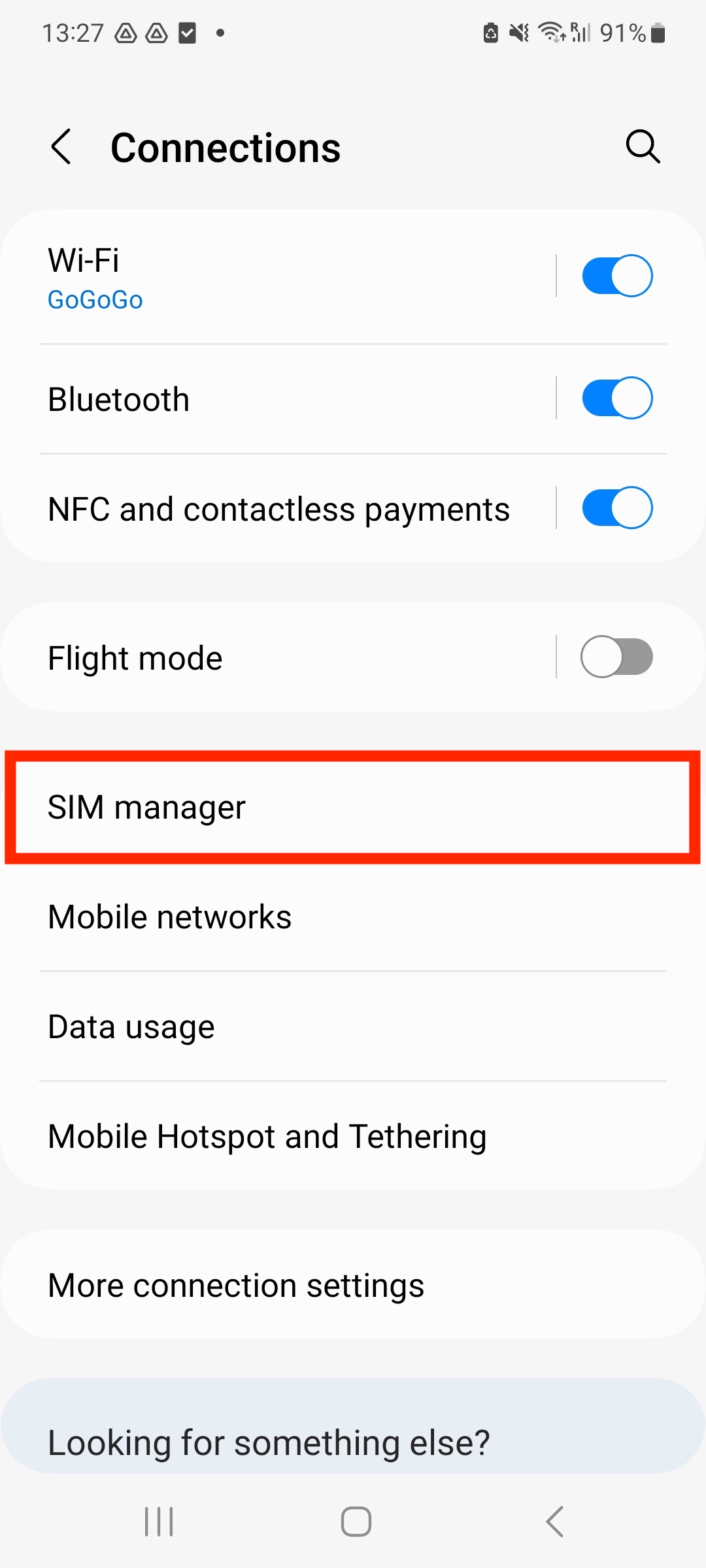
1. Go to Settings and tap on Connections.
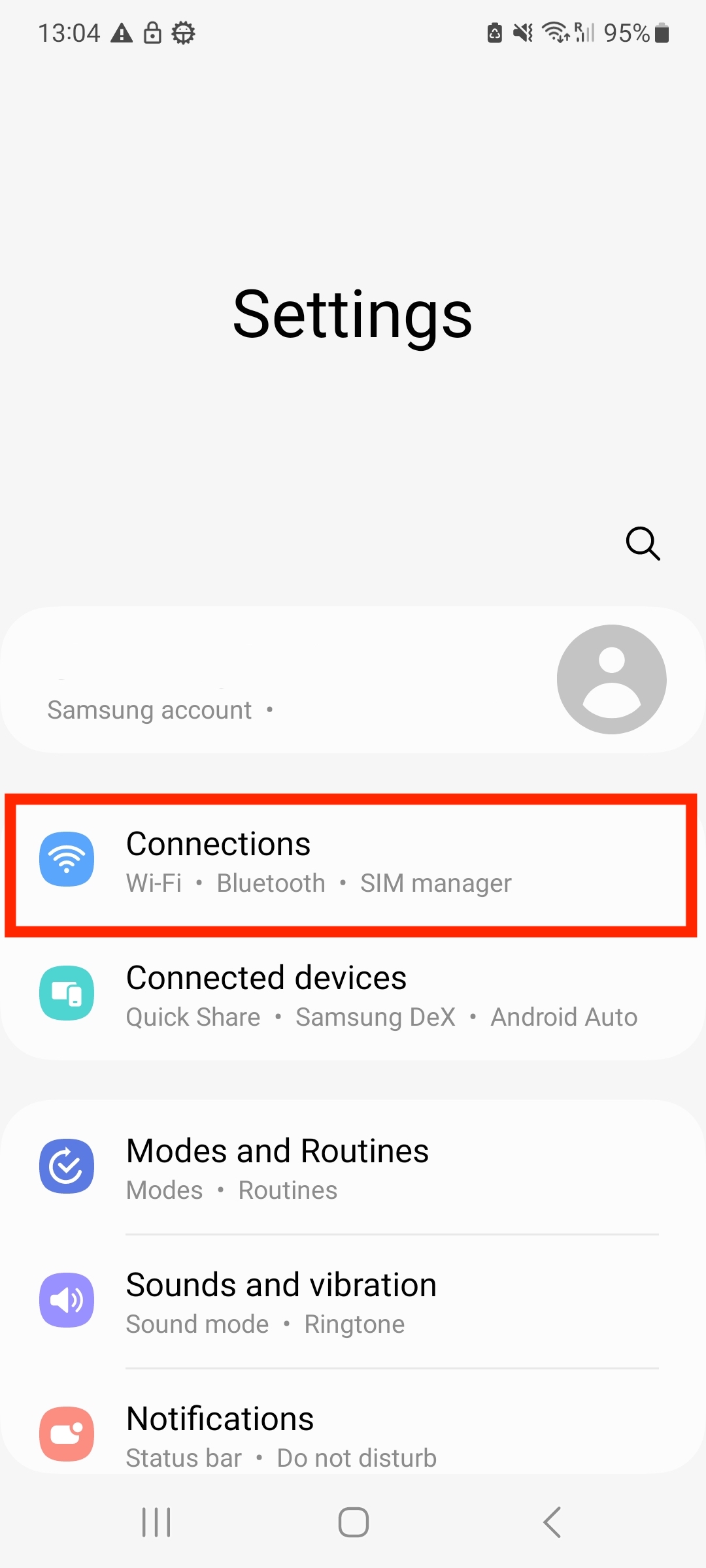
2. Tap into SIM manager.
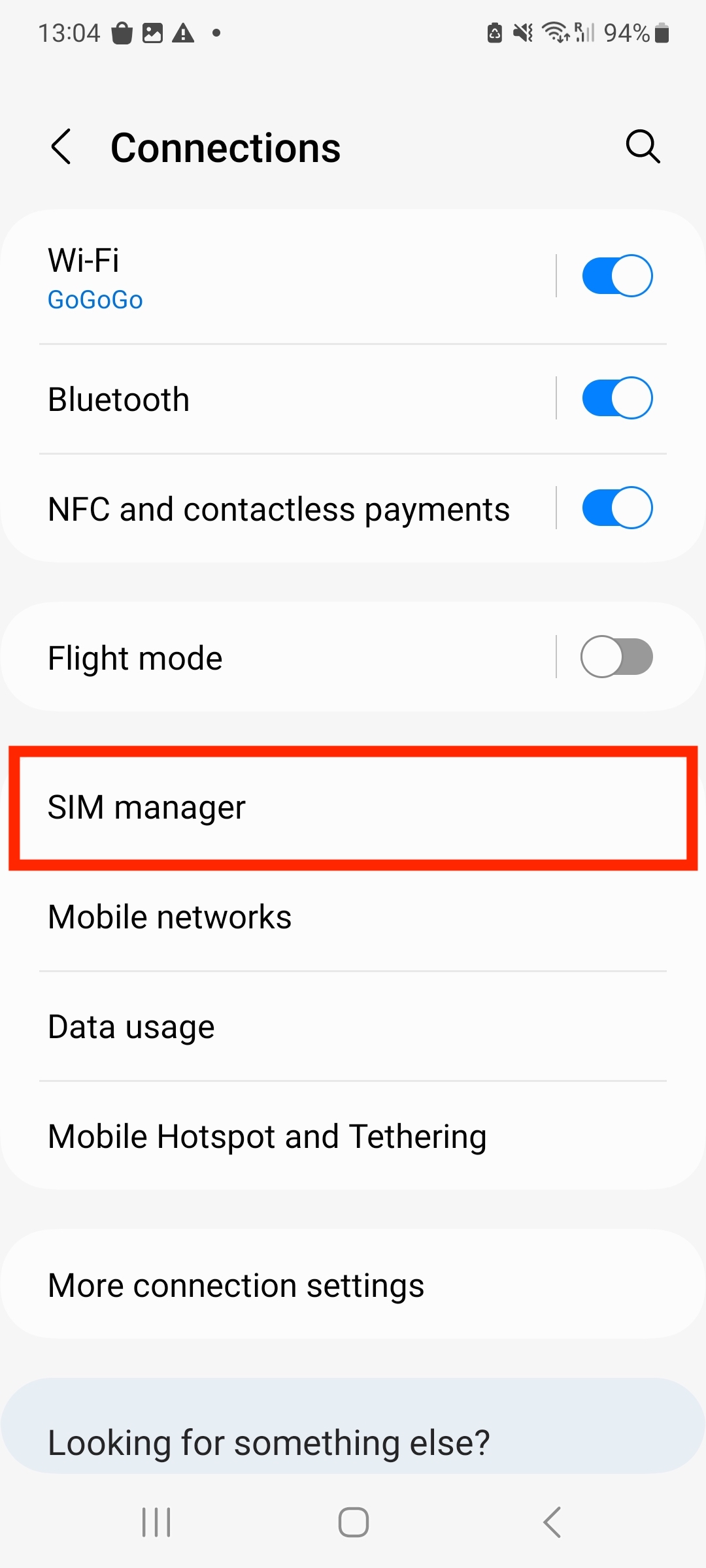
3. Tap Add eSIM.
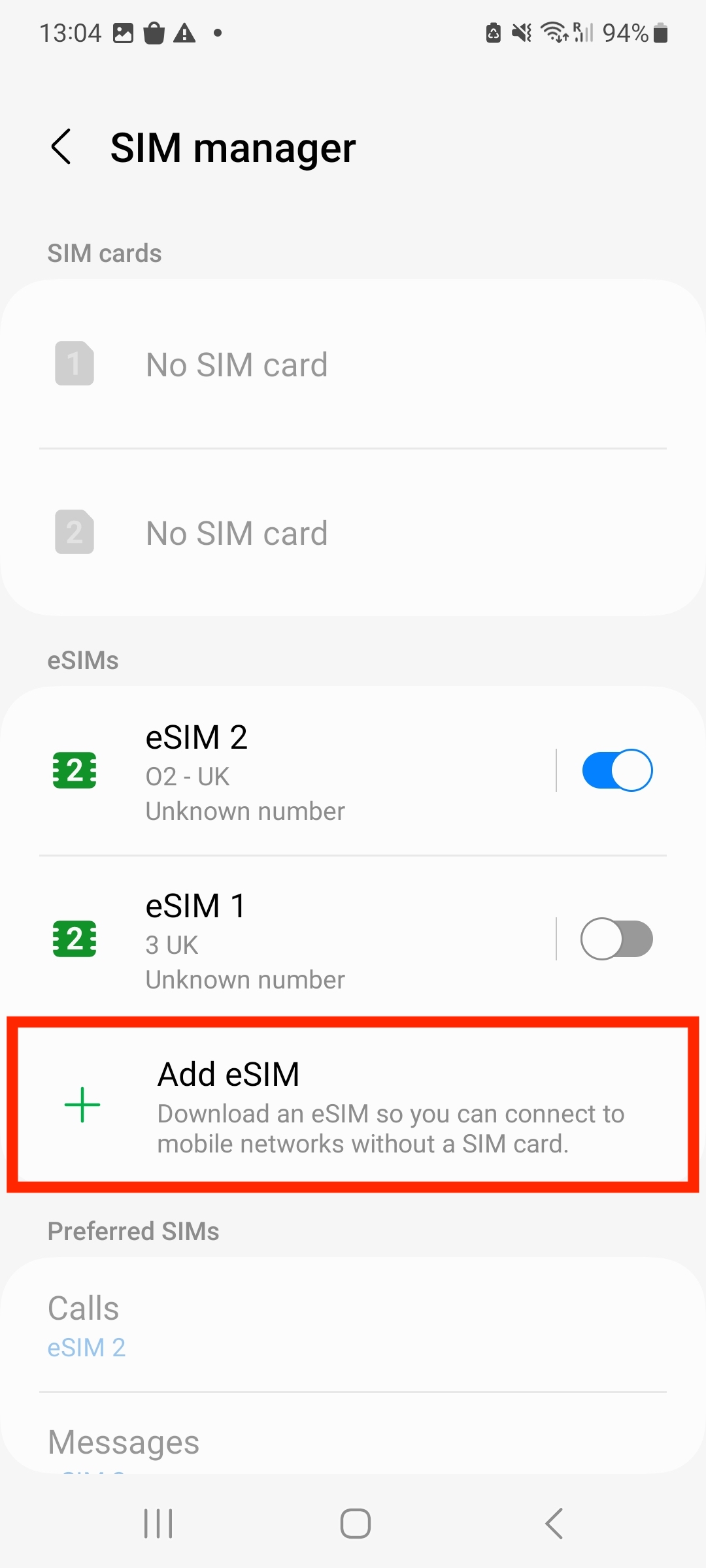
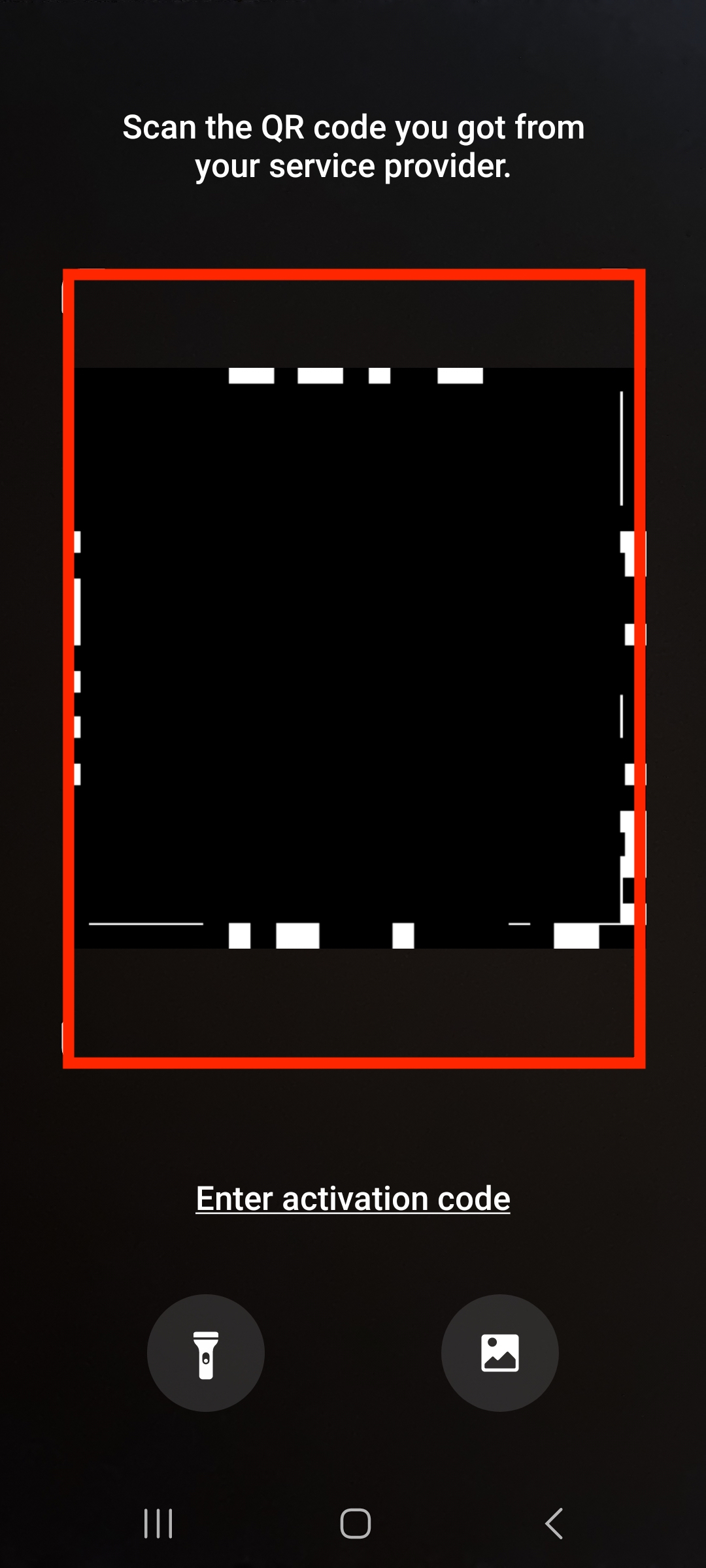
4. Tap Scan QR Code from service provider.
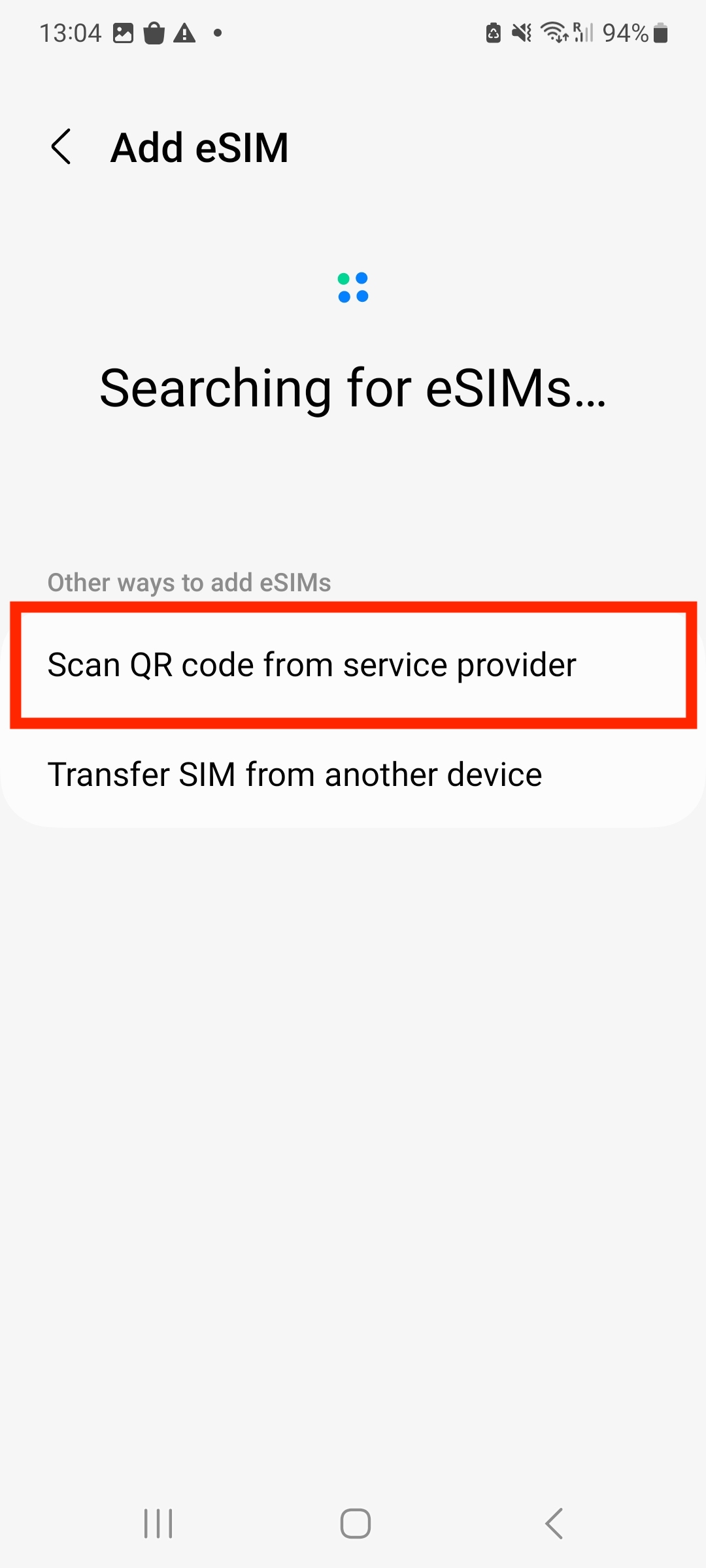
5. Scan QR code provided.
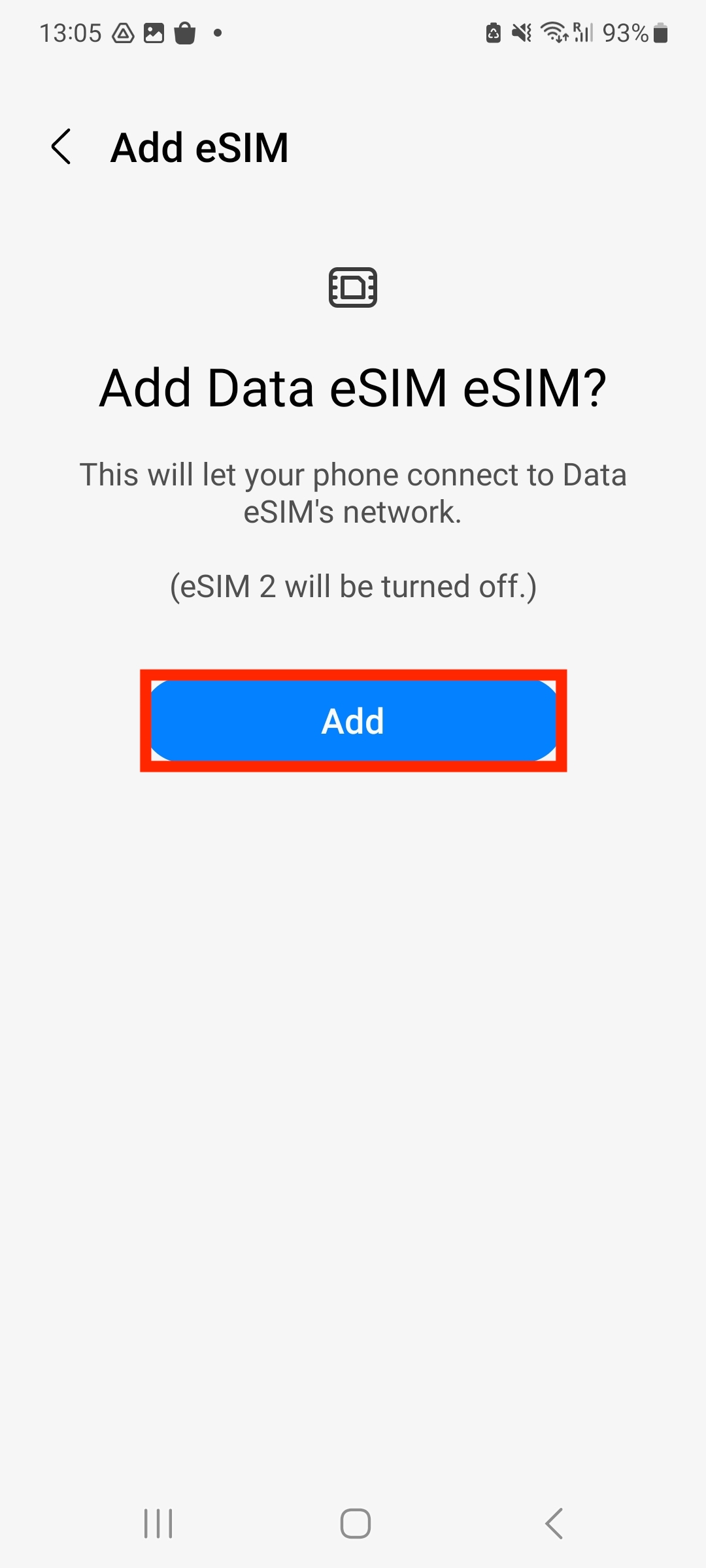
6. Tap Add. Note: Do NOT close this window else the installation will stop.
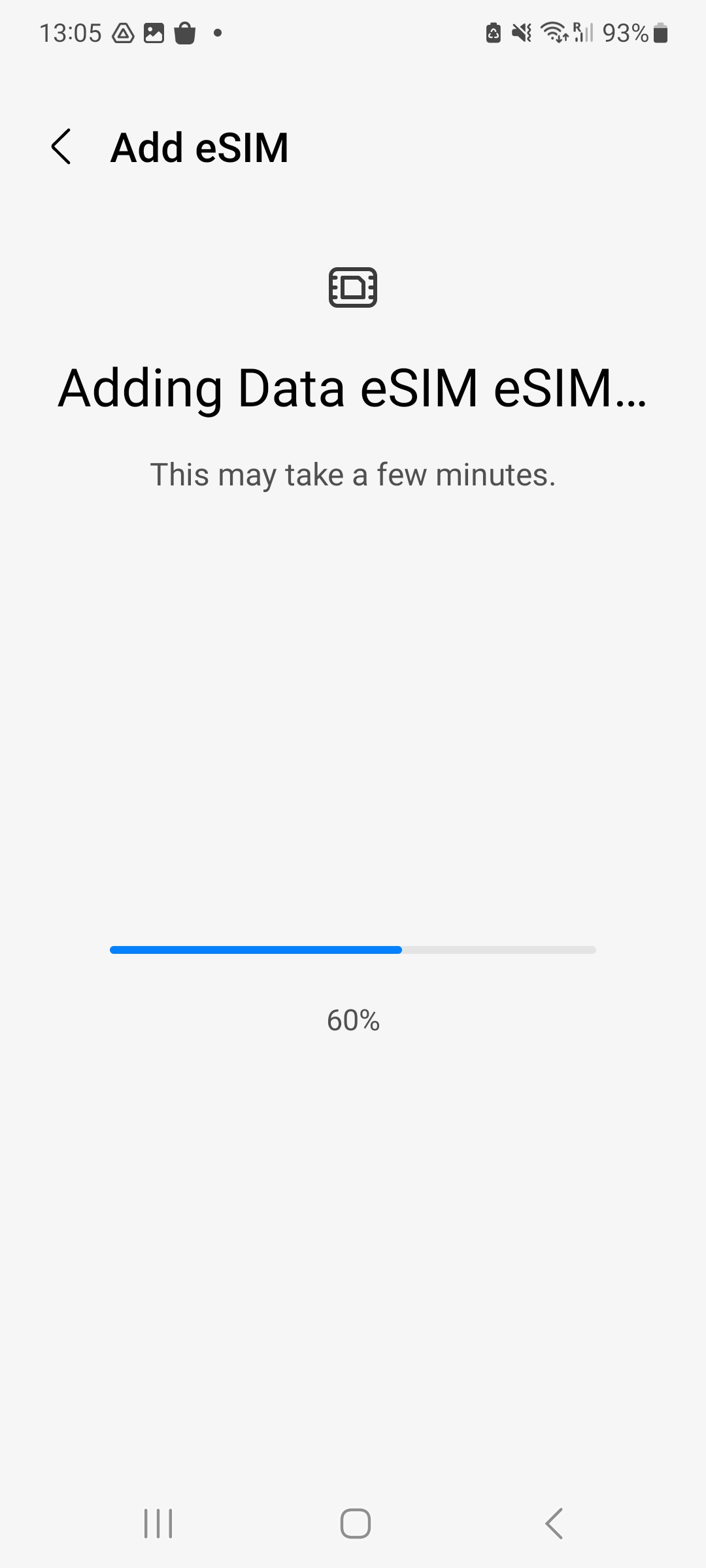
7. Please allow up to 10 minutes for the eSIM to activate.
8. Tap Done to complete the installation.
9. Leave Calls and Messages set to your original primary SIM.
10. Go back into SIM Manager.
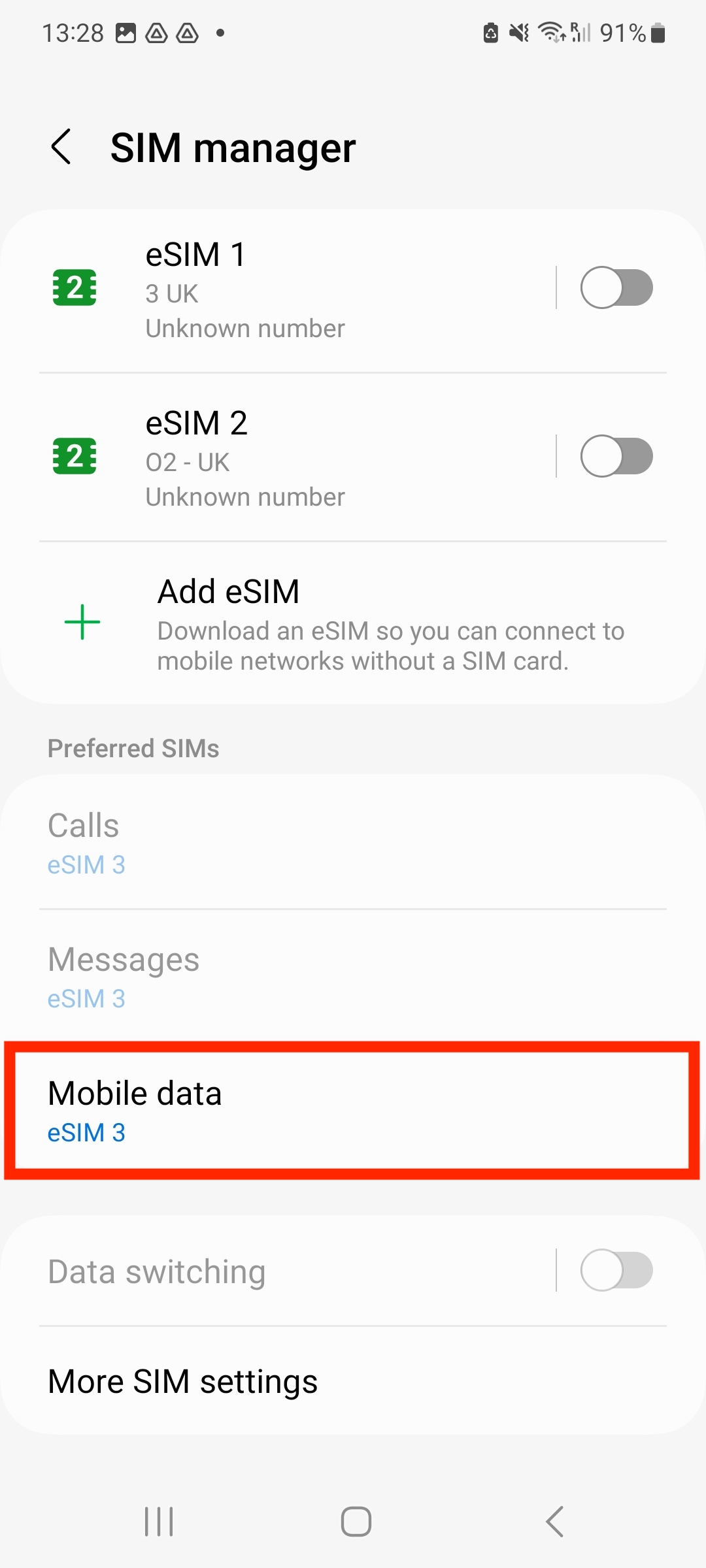
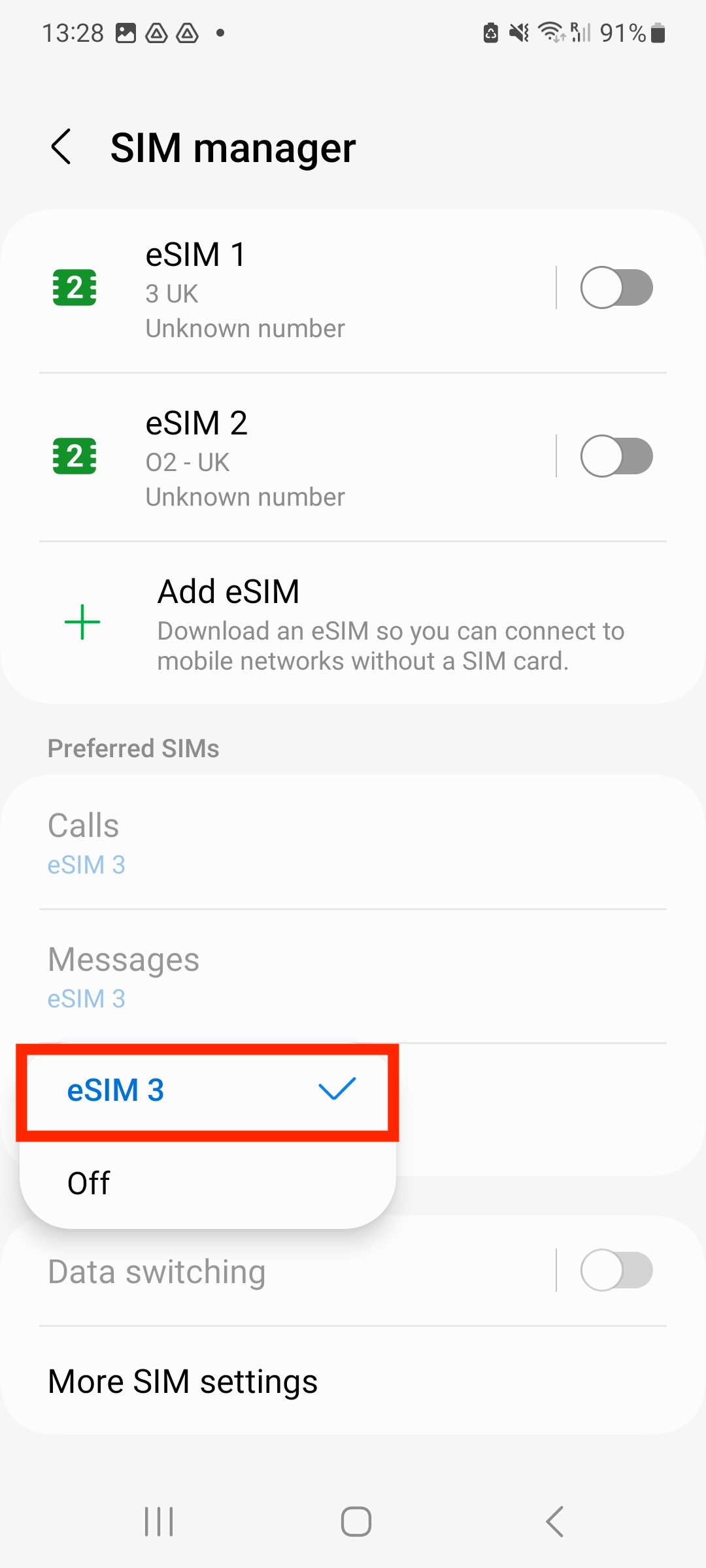
11. Tap the eSIM you want to use for Data.
12. Go back to Connections. Tap into Mobile networks.
13. Toggle the switch to On.
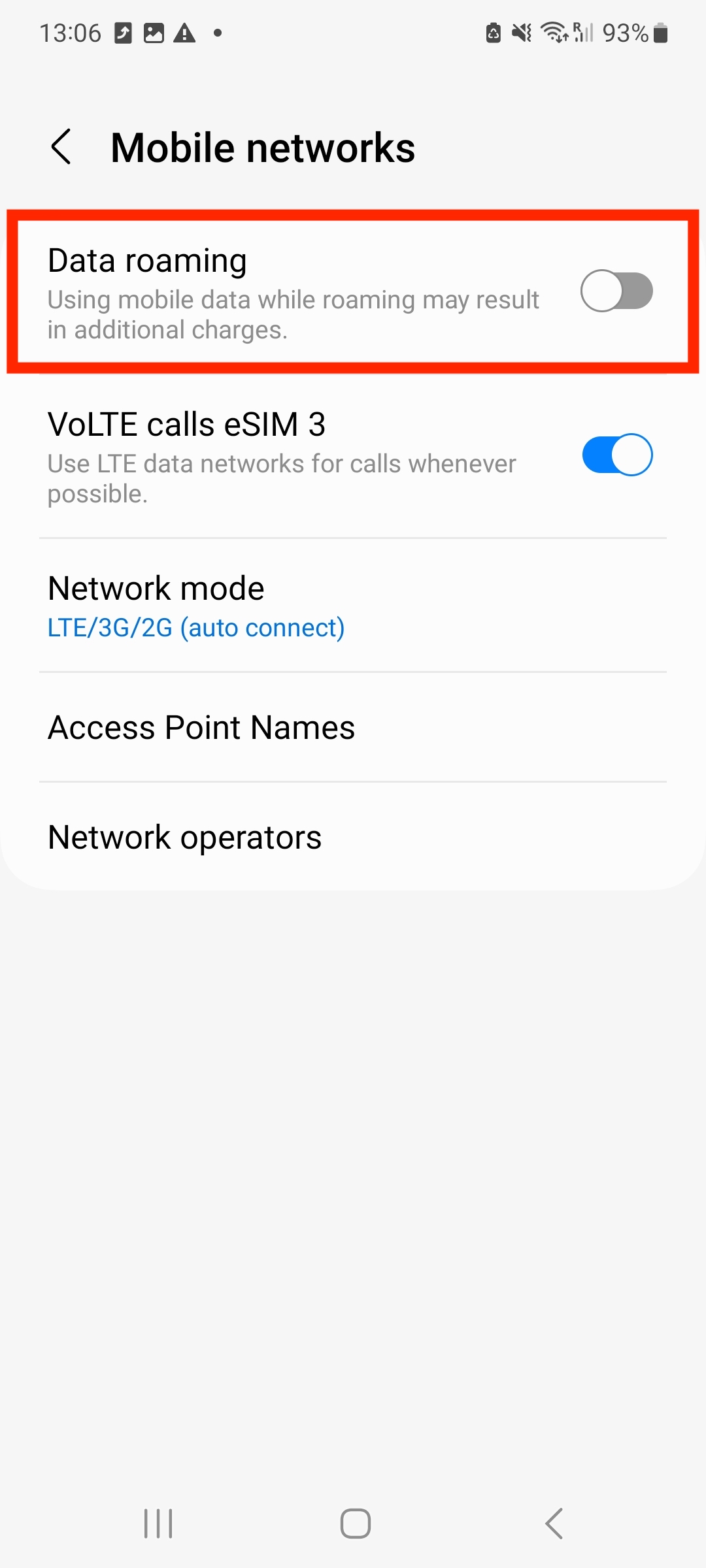
14. The Data Roaming toggle should appear as below on the installed eSIM.
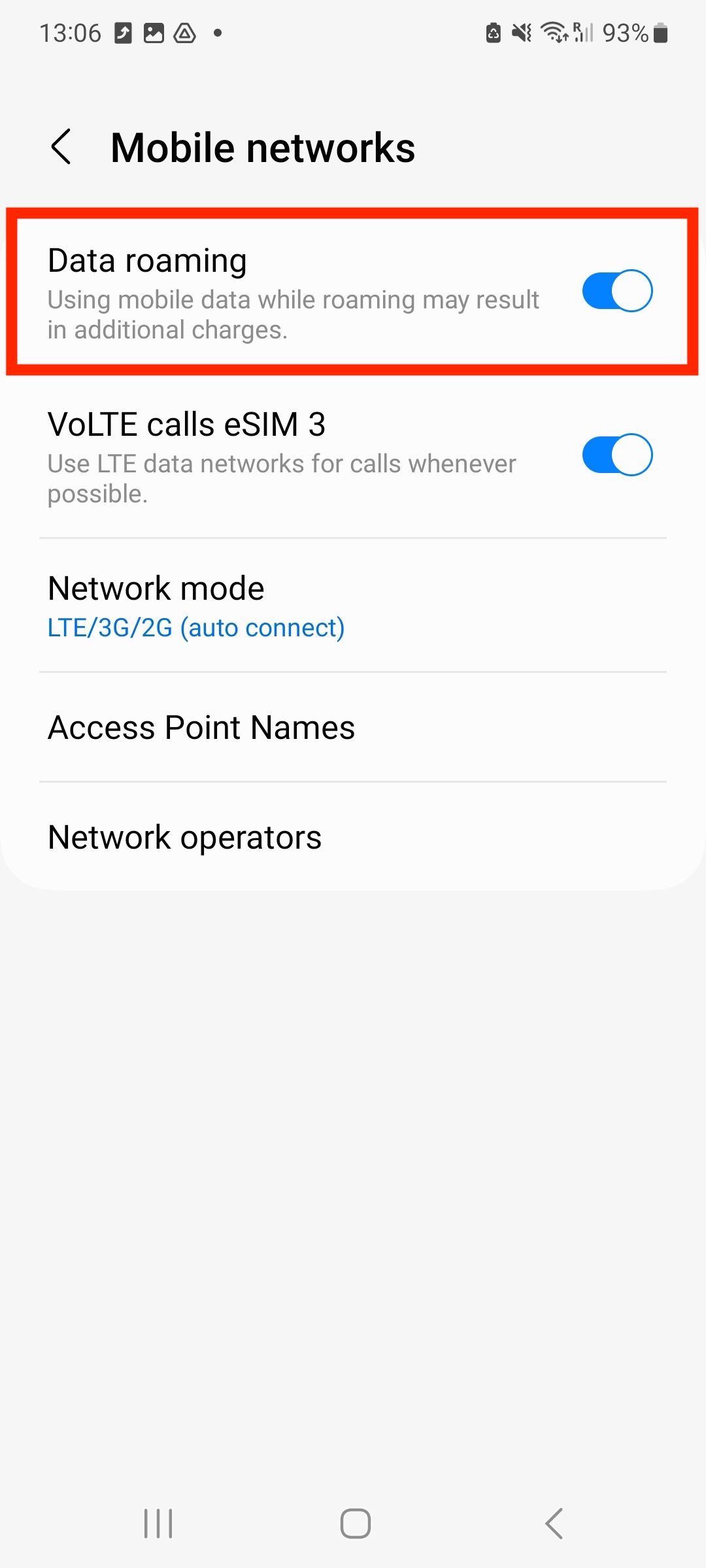
15. The eSIM is now installed and set up.